
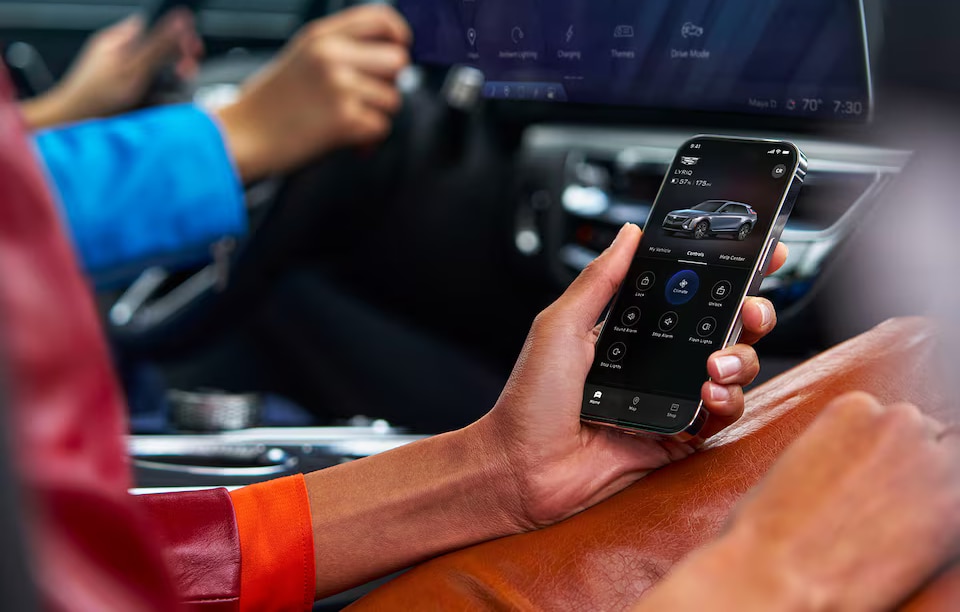
Convenience is becoming just as important as performance in today's luxury vehicles, and Cadillac Digital Key is a perfect example. On compatible Cadillac models, this connected feature lets you use a supported smartphone in place of a traditional key while making everyday access to your vehicle even easier. Fields Cadillac Jacksonville explains how Cadillac Digital Key works and how to get started.
Your Smartphone as Your Key
On compatible Cadillac models, Cadillac Digital Key lets you use a supported smartphone in place of a traditional key fob. After setup, you can unlock, lock, and start your vehicle using your phone, making it easier to leave your physical key behind. Digital Key also supports secure key sharing on eligible models, allowing trusted drivers to access your vehicle without exchanging a key fob.
Getting Started with the Cadillac Digital Key
Setting up Cadillac Digital Key is straightforward on compatible vehicles. After downloading the myCadillac app and signing in to your account, follow the prompts to pair your vehicle and add your Digital Key to your compatible device's digital wallet, such as Apple Wallet or Google Wallet. Once setup is complete, you'll be able to access your vehicle using your smartphone and, on supported models, securely share digital access with other authorized drivers.
Why Drivers Love Cadillac Digital Key
Cadillac Digital Key adds convenience to everyday ownership by reducing the need to carry a traditional key fob. Whether you're heading out for a run, sharing your vehicle with a family member, or simply prefer using your smartphone for everyday tasks, Digital Key helps streamline your routine while maintaining the security and confidence you'd expect from Cadillac.
Explore New Cadillac Models in Jacksonville, FL
You are going to love how simple the Cadillac Digital Key makes operating your vehicle. Visit Fields Cadillac Jacksonville, and our team can help you determine whether your Cadillac supports Digital Key and walk you through the setup process. Get started today!

